
Essential SEO Terms Every Beginner Should Know
If you’re just getting started with Search Engine Optimization (SEO), you’ve probably come across terms like meta title, meta description, favicon, alt text, and site title. These might sound technical at first, but they’re actually simple concepts that can make a big difference in how your website ranks and how users interact with it.
In this blog, we’ll break down these SEO basics in plain English so you can start optimizing your site today.
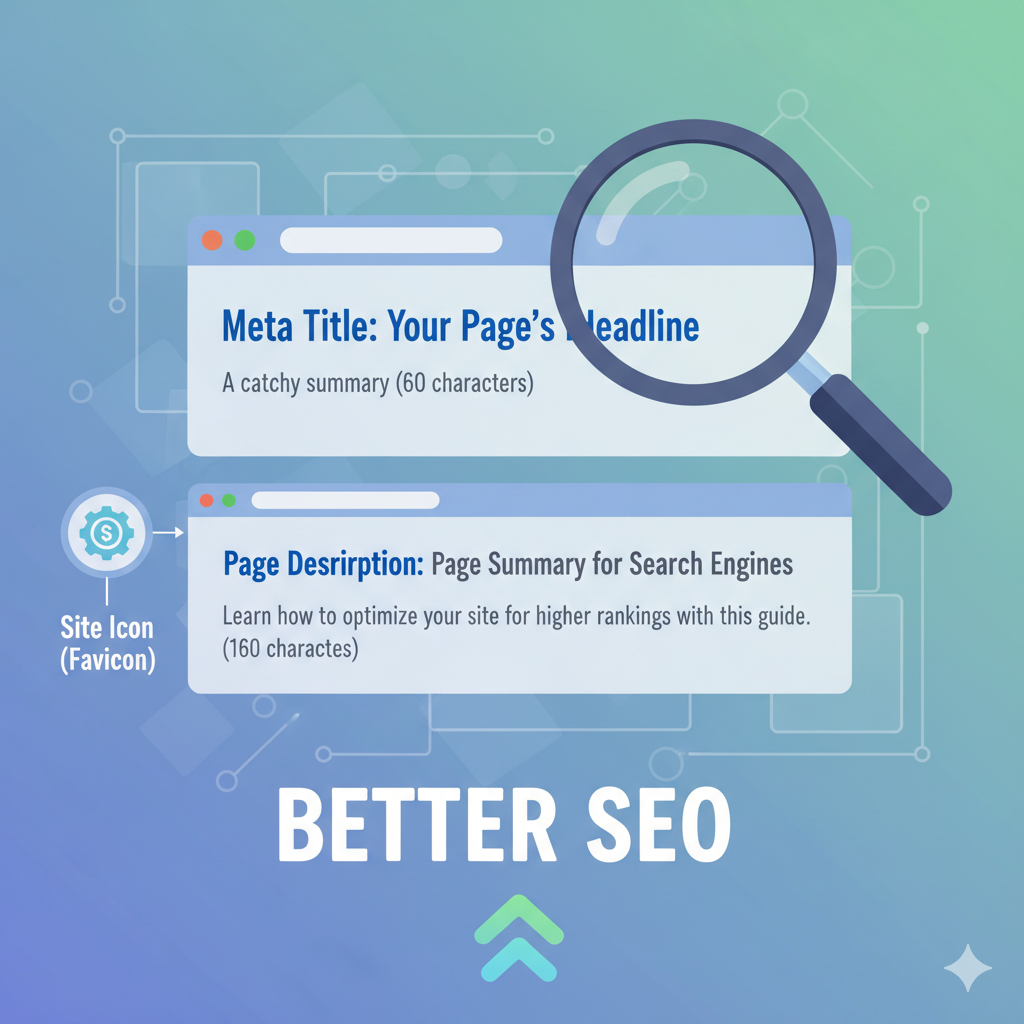
1. Meta Title (Title Tag)
The meta title is the clickable headline that appears in search engine results and at the top of your browser tab. It tells both users and search engines what your page is about.
Best Practices:
Keep it under 60 characters.
Add your main keyword at the beginning.
Make it unique for each page.
Include your brand name if relevant.
Example:SEO Basics: Meta Titles, Descriptions, and Favicons | YourBrand
2. Meta Description
The meta description is a short summary that shows up under your meta title in search results. While it doesn’t directly impact rankings, it influences whether people click on your link.
Best Practices:
Length: 150–160 characters.
Use action words (“Learn,” “Discover,” “Get”).
Add your keyword naturally.
Provide value — explain what the user will get.
Example:Learn the most important SEO terms like meta titles, descriptions, alt text, and site icons to optimize your website effectively.
3. Site Icon (Favicon)
A favicon (short for “favorite icon”) is the tiny logo or image that appears in your browser tab, bookmarks, and sometimes in search results.
Why It Matters:
Makes your site look professional.
Helps users recognize your brand instantly.
Improves trust and user experience.
Pro Tip: Use a simple, square design (512x512px) and save it as .ico or .png.
4. Alt Text (Image Alt Attribute)
Alt text (alternative text) is used to describe images on your site. It appears if an image doesn’t load and is also read by screen readers for accessibility. Search engines also use it to understand what an image is about.
Best Practices:
Describe the image clearly.
Add your keyword naturally if relevant.
Keep it short and meaningful.
Example:
Instead of: "IMG_101.jpg"
Use: "SEO guide infographic explaining meta titles and descriptions."
5. Site Title
The site title (sometimes called the website name) is your website’s main identifier. It usually shows up in the browser bar, search results, and often in your site’s header.
Why It Matters:
Represents your brand or business identity.
Often paired with meta titles for SEO.
Should be short, memorable, and relevant.
Example:
If your site is called TechSavvy, your site title could be:TechSavvy – Digital Marketing & SEO Tips
6. Other Helpful SEO Terms
Header Tags (H1, H2, H3): Structure your content for both readers and search engines.
URL Slug: The part of the URL that comes after your domain (e.g.,
/seo-terms-guide). Keep it short and keyword-rich.Keywords: Words or phrases people type into Google. Use them strategically in your content.
Sitemap: A file that helps search engines crawl and index your site.
Robots.txt: A file that tells search engines which pages to crawl (or not crawl).
SEO isn’t just about complicated algorithms — it’s about small, smart tweaks that improve visibility and user experience. By mastering basic terms like meta title, meta description, favicon, alt text, and site title, you’ll be setting a strong foundation for your website’s growth.
Remember: SEO is about clarity — the clearer your site is to users and search engines, the better your chances of ranking higher.