
Website Design with WordPress: Types of Websites and the Role of Wireframes
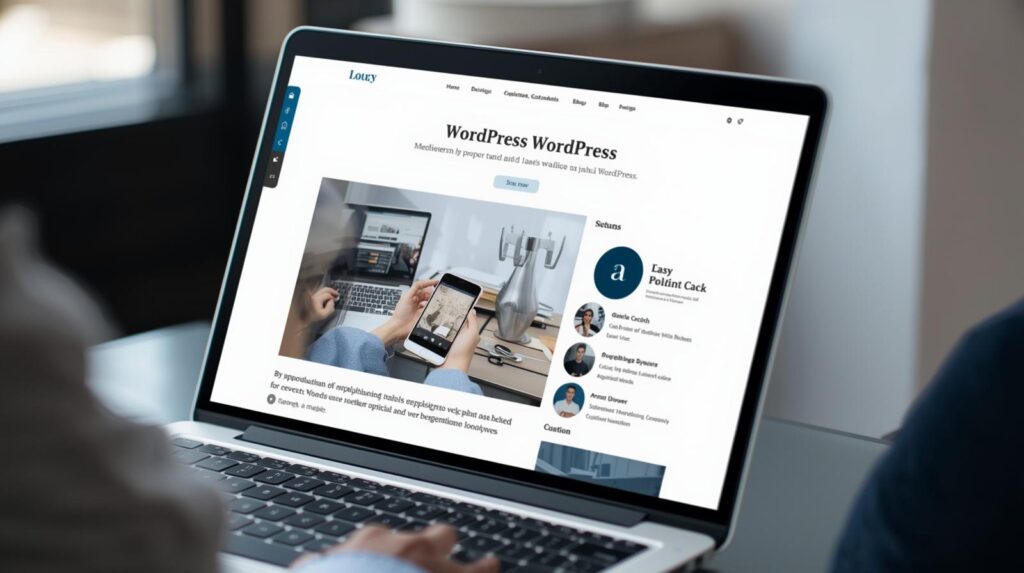
When it comes to building a website, few platforms are as powerful, flexible, and user-friendly as WordPress. Powering over 40% of all websites on the internet, WordPress makes it possible for anyone—from small businesses to large organizations—to create a professional website without needing deep coding skills.
But before jumping into design, it’s important to understand the types of websites you can build with WordPress and the concept of a wireframe, which helps you plan your site effectively.
Why Choose WordPress for Website Design?
Flexibility: Supports blogs, business sites, online stores, and more.
Ease of Use: Simple interface with drag-and-drop page builders like Elementor or Divi.
Customization: Thousands of themes and plugins.
Scalability: Suitable for both beginners and enterprise-level websites.
SEO-Friendly: Built-in features and plugins like Yoast SEO help boost rankings.
Types of Websites You Can Build with WordPress
1. Non-Profit Website
Purpose: To share an organization’s mission, attract donations, and engage volunteers.
Features:
Donation buttons and fundraising tools.
Event management plugins.
Clear storytelling with impactful visuals.
Example: A charity showcasing its work and providing easy ways for supporters to contribute online.
2. E-Commerce Website
Purpose: To sell products or services online.
Features:
WooCommerce integration for online stores.
Secure payment gateways (PayPal, Stripe, etc.).
Product catalogs, shopping carts, and customer reviews.
Example: A clothing brand selling its collection directly from its WordPress store.
3. Infopreneur Website
Purpose: To sell knowledge-based products like courses, eBooks, or memberships.
Features:
Learning management systems (LMS) like LearnDash.
Membership plugins for gated content.
Lead capture forms and email integrations.
Example: A digital marketer selling online training courses and eBooks.
4. Portfolio Website
Purpose: To showcase creative or professional work.
Features:
Galleries or case study pages.
Interactive layouts to highlight projects.
Contact forms for client inquiries.
Example: A photographer displaying their portfolio with high-quality images and testimonials.
5. Blog or Personal Website
Purpose: To share ideas, stories, or expertise with an audience.
Features:
Blogging tools with categories and tags.
Social media integration.
Comment sections for engagement.
Example: A travel blogger documenting trips with photos, stories, and tips.
6. Business or Corporate Website
Purpose: To build an online presence for a company.
Features:
Service pages and product showcases.
Contact forms, live chat, and testimonials.
Integration with CRM systems.
Example: A consulting firm using its website to attract and convert clients.
What is a Wireframe in Website Design?
Before you dive into creating your WordPress site, it’s crucial to plan the layout and structure—this is where a wireframe comes in.
Definition:
A wireframe is a visual blueprint or sketch of a website’s layout. It outlines the placement of elements like the header, navigation menu, content sections, images, and footer—without focusing on design details like colors or fonts.
Why Wireframes Matter:
Clarity: Helps you visualize the flow of the site before design begins.
User Experience (UX): Ensures smooth navigation and usability.
Efficiency: Saves time by addressing structural issues early.
Collaboration: Makes it easier for teams (designers, developers, clients) to align on the site’s structure.
Example:
Imagine a sketch of a homepage:
Top section → logo and menu.
Middle section → banner image with call-to-action button.
Lower section → service descriptions, testimonials, and a footer.
That’s a wireframe in action—like an architect’s floor plan for your website.
Designing a website with WordPress opens up endless possibilities, whether you’re a non-profit seeking donors, an entrepreneur selling digital products, or a creative professional building a portfolio.
But before jumping into themes and plugins, start with a wireframe to map out the structure and user journey. Once you have that blueprint, WordPress makes it easy to bring your vision to life with customizable tools, plugins, and designs.